
✅ Timekettle WT2 Edge – AI Translator Earbuds That Speak for You
Imagine a world without language barriers. You’re in Italy, ordering coffee — and the barista understands you. You’re having a business meeting with a partner from China — no interpreter needed. You’re flying to Tokyo, meeting new people, and every word you say instantly comes through in their language. This isn’t science fiction — this is Timekettle WT2 Edge

These aren’t just earbuds. They’re a communication assistant powered by AI. Inside is a powerful neural engine that not only translates in real time but also analyzes context, tone, and pauses to make everything sound natural. They’re designed to make cross-language conversations feel effortless and human.
🧠 What Makes Them Special?
WT2 Edge works without buttons, screens, or the need to stare at your phone. Just pop the earbuds in and speak. The system automatically detects the language being spoken and delivers the translation straight into your ear with near-zero delay.
You can activate auto mode for two-way conversations, where you and the other person each wear an earbud. You speak your language, they speak theirs, and the earbuds translate in real time — no switching turns, no pauses, no awkward transitions. It’s not like using Google Translate — it’s fluent, natural dialogue.

✈️ Perfect for Travel, Work, and Real Life
Whether you’re traveling, studying, working in healthcare, dating someone from abroad, or meeting international clients — WT2 Edge opens the door to communication. They support over 40 languages and 90+ accents, including English, Spanish, Chinese, French, Japanese, and Ukrainian.
And what’s especially convenient — you only need one phone to control both earbuds. One user connects, and the conversation can begin.

🔋 Can They Last a Full Day?
Absolutely. With over 12 hours of usage (via charging case), the WT2 Edge can easily handle a full day of travel or meetings. The charging case is small and fits right in your pocket — always ready when you need it.
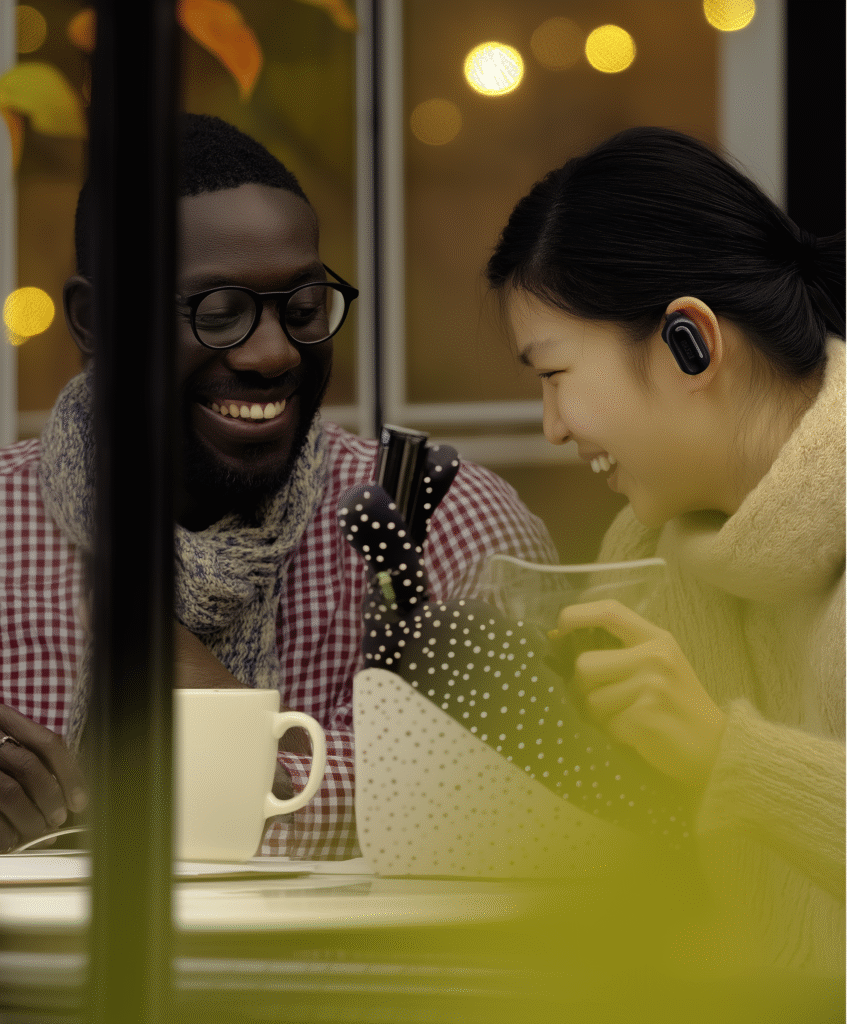
💬 How Much Do They Cost — and What’s the Competition?
Timekettle WT2 Edge is priced in the $250–$300 range, depending on the retailer and discounts. It’s not a $30 toy from AliExpress — but also not a $1000 device. In the same price range, you’ll typically find high-quality TWS earbuds with noise cancelling or business headsets — but…
…none of them let you have a full-speed, live-translated conversation in 40+ languages — without screens or button-pressing.
Sure, there are alternatives like Pocketalk or Travis — but they mostly come with screens, require more manual interaction, and tend to translate slower. They’re more like handheld tools. The WT2 Edge feels more like part of the conversation itself.
If you consider the price-to-feature balance, they may actually be underrated for what they offer.
🔐 What About Privacy and Safety?
Timekettle uses a hybrid approach — some translation happens locally, while some is cloud-based for better accuracy. You control what’s translated and when the mic is active. In offline mode, select languages are supported without internet, so no data ever leaves your device.
🛍️ Where to Buy?
You can purchase Timekettle WT2 Edge directly from timekettle.tech or via Amazon. We’ll also add affiliate links – https://amzn.to/4kNH4BF

💡 A Gadget That Redefines the Way You Communicate
This is one of those rare products where the technology fades into the background — and what remains is a real, human interaction.
With WT2 Edge, you’re not thinking about translation — you’re just speaking.
This isn’t about gear. It’s about connection — with anyone, anywhere.
✅ Rocketbook Fusion / Core – The Smart Notebook That Thinks Digitally
You write. You scan. You reuse.
The Rocketbook isn’t just a notebook — it’s an endlessly reusable notebook that syncs your handwritten notes directly to the cloud.
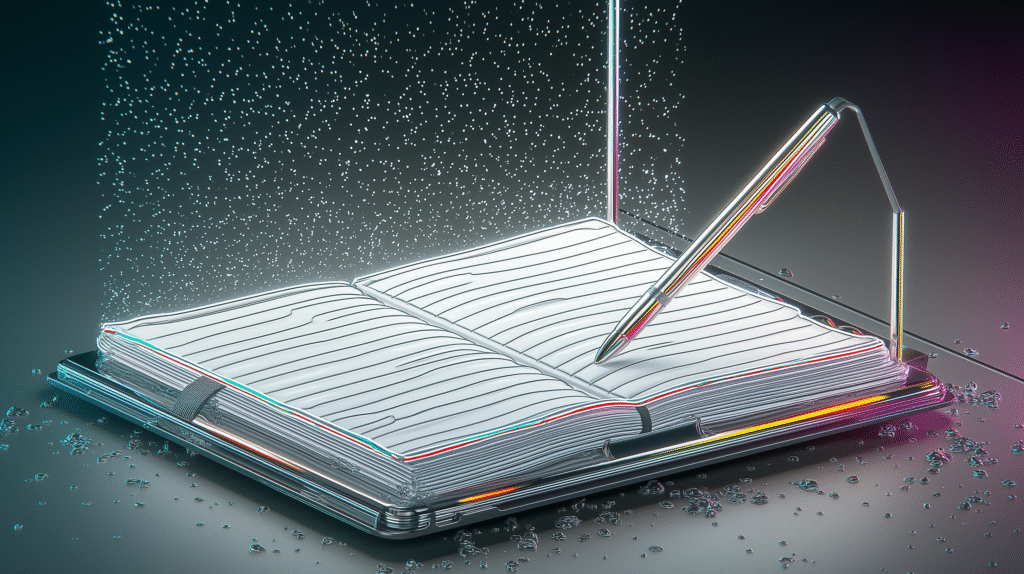
Whether you’re sketching ideas, taking class notes, or organizing to-do lists, Rocketbook Fusion (or its simpler sibling, Core) offers a perfect blend of analog freedom and digital power.
🧠 Why Use a Smart Notebook in the Age of Laptops?
Sometimes, typing just doesn’t cut it. You need to think visually, map your thoughts out freely, or just feel the pen hit the paper. That’s where Rocketbook shines.
It gives you the familiar feeling of writing by hand, but with the AI tools to digitize and organize everything automatically.
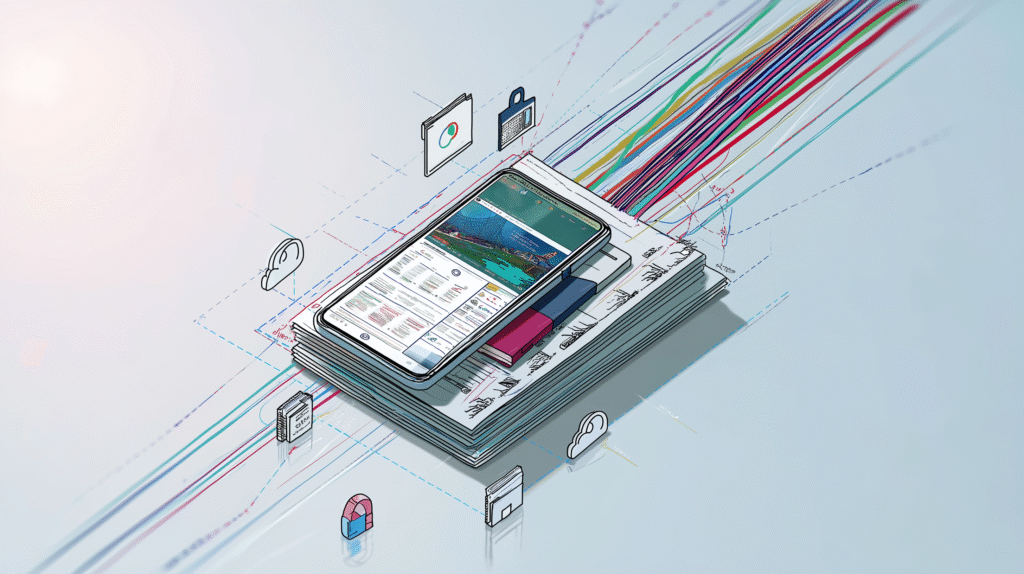
✅ Scan your pages with the Rocketbook app.
✅ AI-powered OCR recognizes your handwriting and converts it to searchable digital text.
✅ Choose where to send your notes: Google Drive, Dropbox, Notion, OneNote, Evernote, Trello, or even your email.
You literally check a symbol at the bottom of the page — and your notes know where to go.
✍️ How It Works
Write using any Pilot Frixion pen (included).
Open the Rocketbook app and scan the page — it’s fast, auto-detects borders, and sharpens your text.
Notes are uploaded to your selected service — you can even organize them into folders or convert to typed text with OCR.
Once you’re done — just wipe the page clean with a damp cloth, and use it again.
💡 Think of it as a whiteboard in notebook form — infinitely reusable, zero waste, and smarter with every scan.
🧠 Fusion vs Core — What’s the Difference?
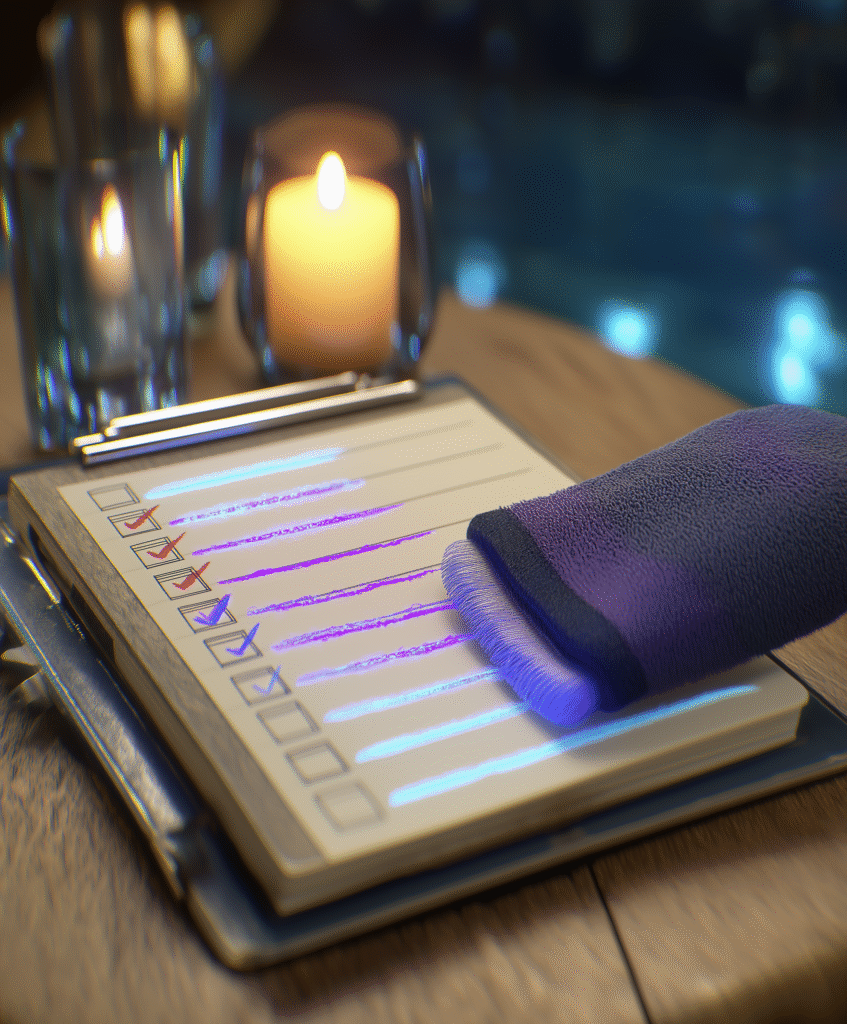
Core = basic version with lined/dotted pages. Great for everyday note-taking.
Fusion = includes multiple templates like calendars, weekly planners, task lists, idea boards. Perfect for productivity lovers.
Both are reusable, both work with the same app, and both look like sleek, modern notebooks — just smarter.

💬 Why It Actually Makes Life Easier
🚀 No more stacks of notebooks, lost notes, or paper waste.
🧠 You can search your handwritten notes in your cloud storage by keywords (OCR!).
📅 Plan your week, make a to-do list, draw mindmaps — and all of it stays organized digitally.
🧽 Erase and reuse the same page dozens of times — it still feels like new.
💸 How Much Does It Cost?
The Core version usually costs around $35–45 CAD, and Fusion goes up to $55–65 CAD, depending on size and color. That’s less than a single semester’s worth of paper notebooks — and it lasts for years.
📦 You can find them on Amazon , Rocketbook.com, BestBuy.ca — and they often include a pen and cloth.

🟢 A Smart Gadget That’s Quietly Brilliant
It doesn’t beep. It doesn’t glow.
It doesn’t need charging.
But it quietly saves your time, brainpower, and paper, every day.
Rocketbook proves that smart doesn’t always mean flashy. Sometimes, it just means thoughtful.
✅ 🎙️ iFLYTEK Smart Voice Recorder — More Than a Recorder, It’s a Digital Assistant That Listens, Transcribes, and Translates
Imagine a device that doesn’t just record conversations — it understands them. It listens, turns your voice into text, translates in real time, sorts your files, and even distinguishes between different speakers. This isn’t sci-fi — this is the iFLYTEK Smart Voice Recorder.
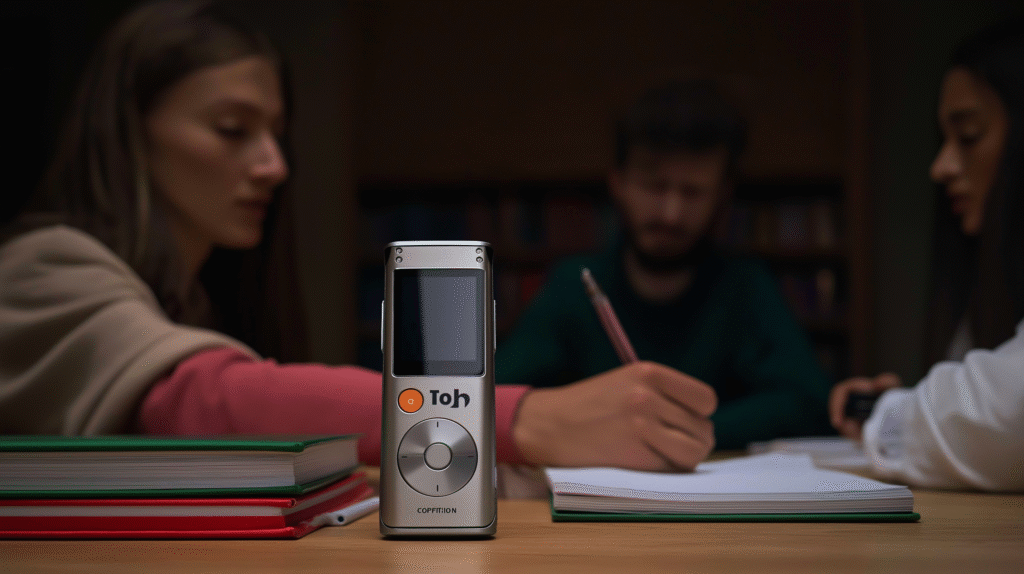
At first glance, it looks like a compact audio player — sleek design, a built-in screen, and intuitive buttons. But under the surface, it’s a full-featured tool powered by AI speech recognition technology.
🧠 What Can It Do?
Once you hit record, it doesn’t just save the audio. It transcribes your speech into text instantly. Whether you’re in an interview, a lecture, or a business meeting — you already have a ready-to-use document, without typing a word.
Example: You’re at a conference where several speakers are taking turns. iFLYTEK can recognize individual voices and separate the transcription by speaker (when speaker recognition is enabled).
Or maybe you’re in a multilingual conversation — someone speaks Chinese, you reply in English. This device can translate live, showing the exchange directly on-screen.
✍️ Perfect for People Who:
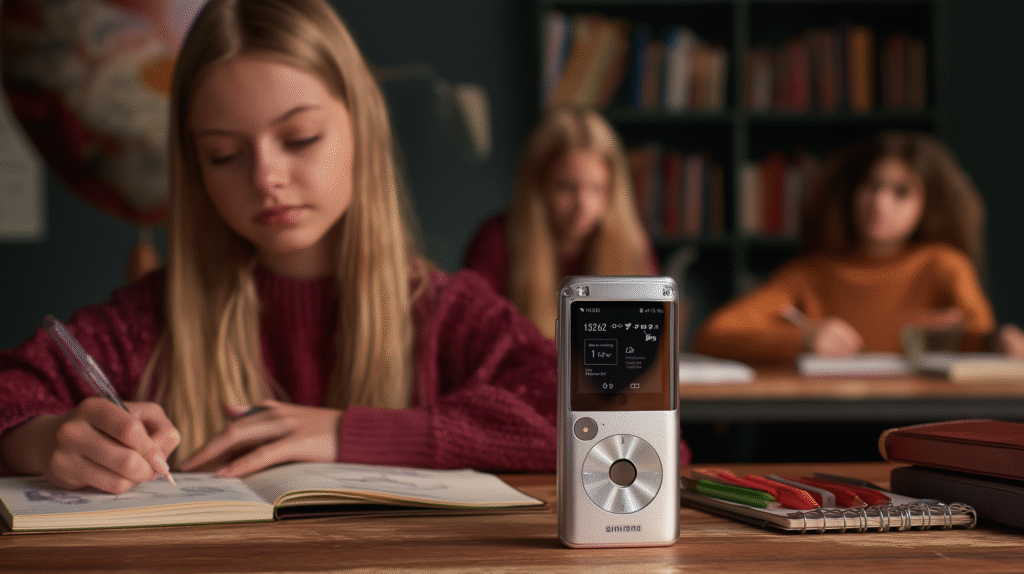
Write interviews or meeting notes and want to skip hours of playback.
Attend or deliver lectures — transcripts are saved automatically and can be shared.
Work in multilingual environments — with built-in real-time translation.
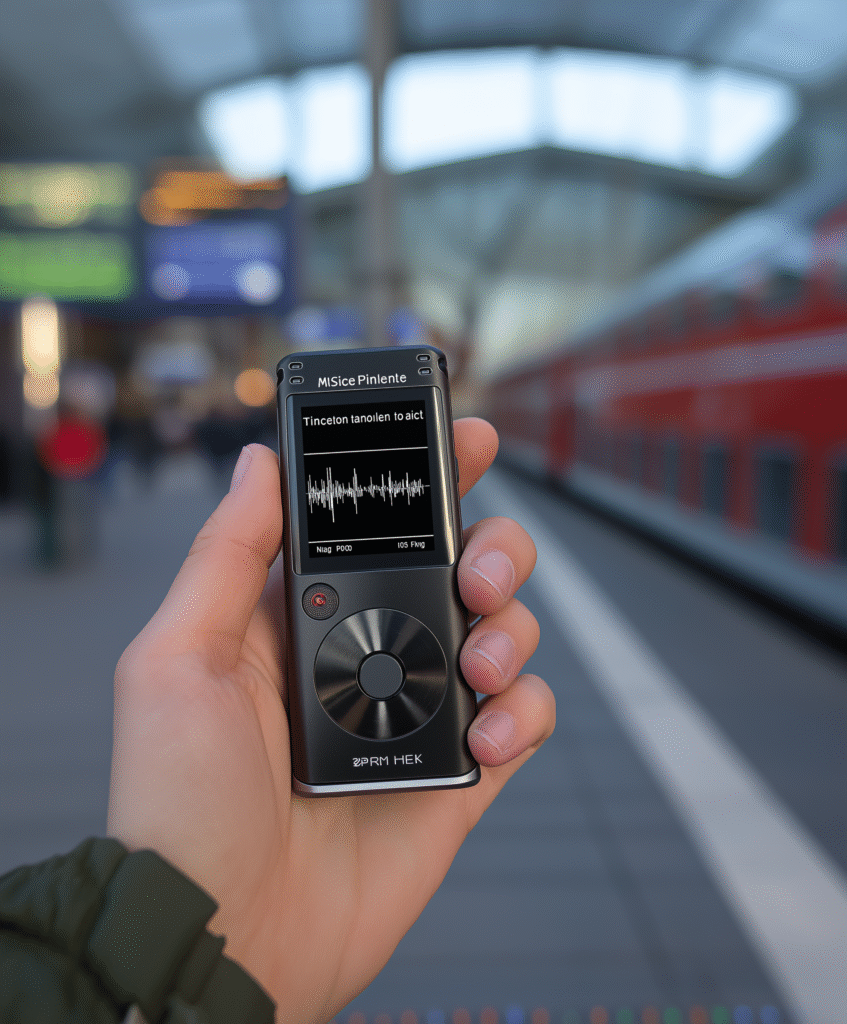
Travel frequently — thanks to its offline mode, no internet is needed.
💡 Nice Touches:
Ultra-clear audio capture — up to 4 microphones for noisy environments.
Easy-to-read display with touch support for editing transcriptions.
Long battery life — up to 10 hours of active use.
Smart tags and folders to organize by topic or date.
💲 How much does it cost and where to buy?
The price of the device varies depending on the model (Smart Recorder, Smart Recorder Pro) and is approximately:
Smart Recorder: $219.99 (≈300 Canadian dollars),
Smart Recorder Pro: $329.99 (≈450 Canadian dollars)
📦 You can find it on:
Amazon Canada (often with delivery from China or the U.S.)
AliExpress
iFLYTEK Official Store
eBay (be sure to check seller ratings)
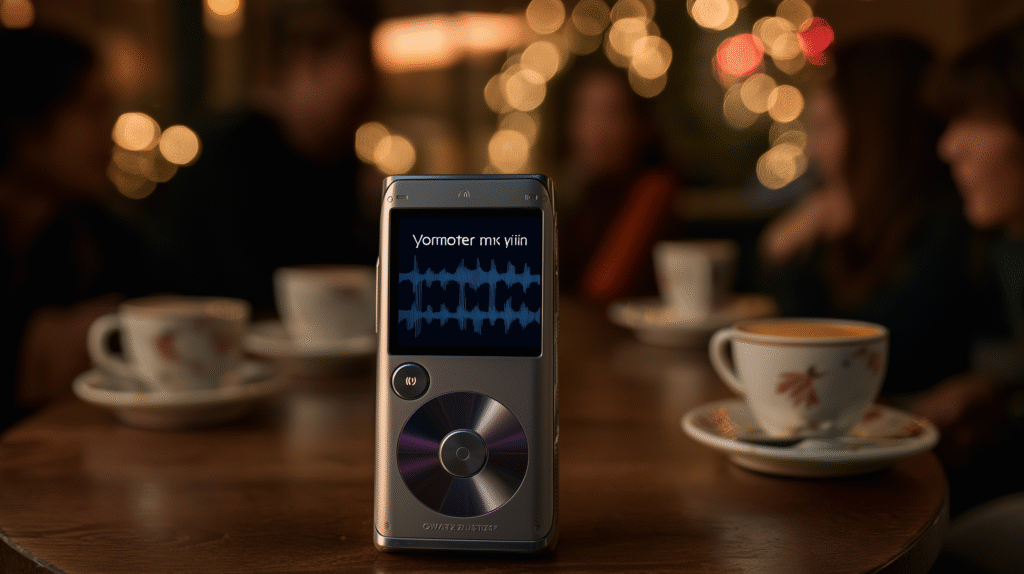
💬 🎙️ “This recorder doesn’t just save your words — it understands them.”
A smart solution for journalists, teachers, students, travelers, analysts, and anyone who wants to turn voice into structured data in seconds — without lifting a pen.
Looking for more smart gadgets? Check out our Smart Gadgets or AI Tools.
 English
  Ukrainian