
Google Nest Hub (2nd gen) – Your Home Assistant That Listens, Understands, and Respects Your Privacy
Imagine waking up not to a harsh alarm, but to a gentle light that mimics the sunrise. Your favorite playlist is already playing, the weather is on screen, and breakfast recipes appear with a simple voice command. This isn’t sci-fi — it’s your new Google Nest Hub (2nd gen).
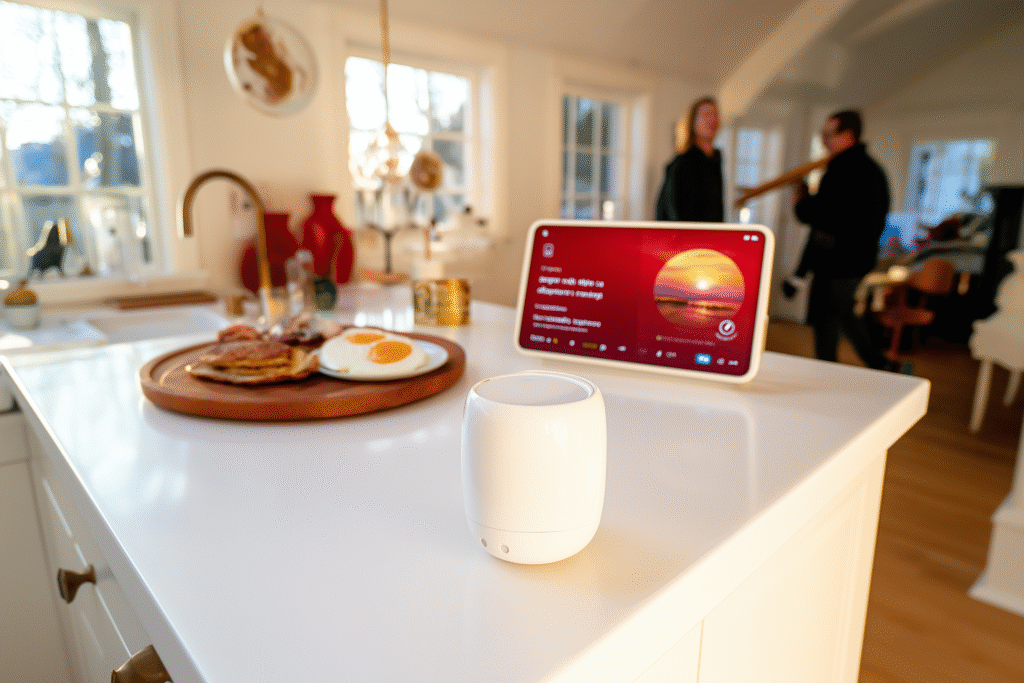
This compact smart display with a 7-inch touchscreen doesn’t just “respond to commands” — it blends into your daily life and becomes an invisible, yet truly effective home assistant.
Nest Hub shines when your hands are full. For example:
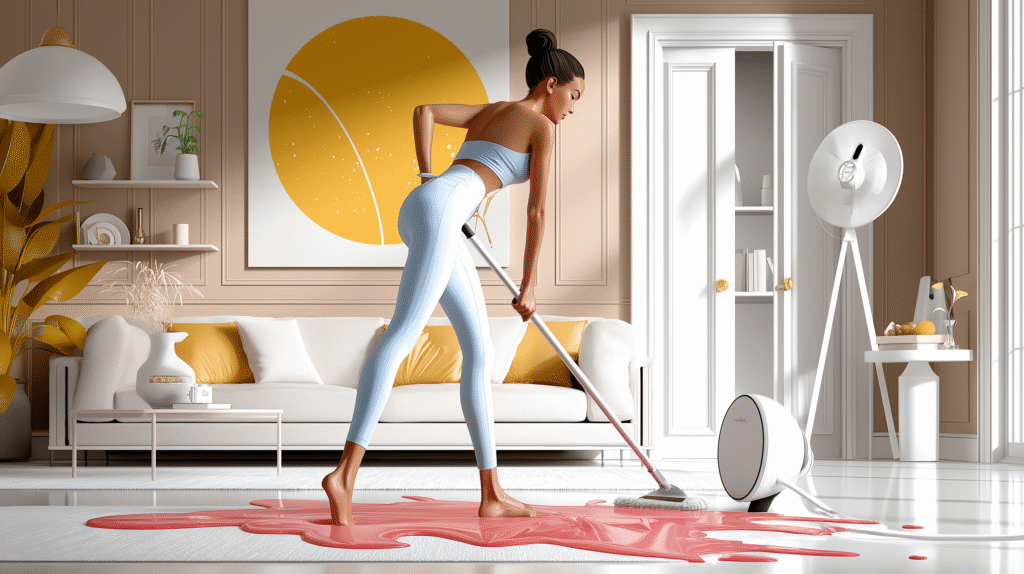
🍷 Spilled juice on the carpet? Just say:
“Hey Google, how do I clean grape juice from carpet?”
— and get step-by-step instructions, no need to stop cleaning.
🍳 Kneading dough and forgot the recipe? Ask:
“Hey Google, how much baking powder for waffles?”
— Nest Hub shows a visual guide or video you can scroll through with a hand gesture.
🧴 Heading out and unsure about the weather? Ask:
“Hey Google, do I need an umbrella today?”
— you’ll see a local forecast with alerts about rain or wind.
🌿 Watering your plants and not sure how much they need?
“Hey Google, how to care for a peace lily?”
— get tips on watering, sunlight, and care in both visual and voice formats.
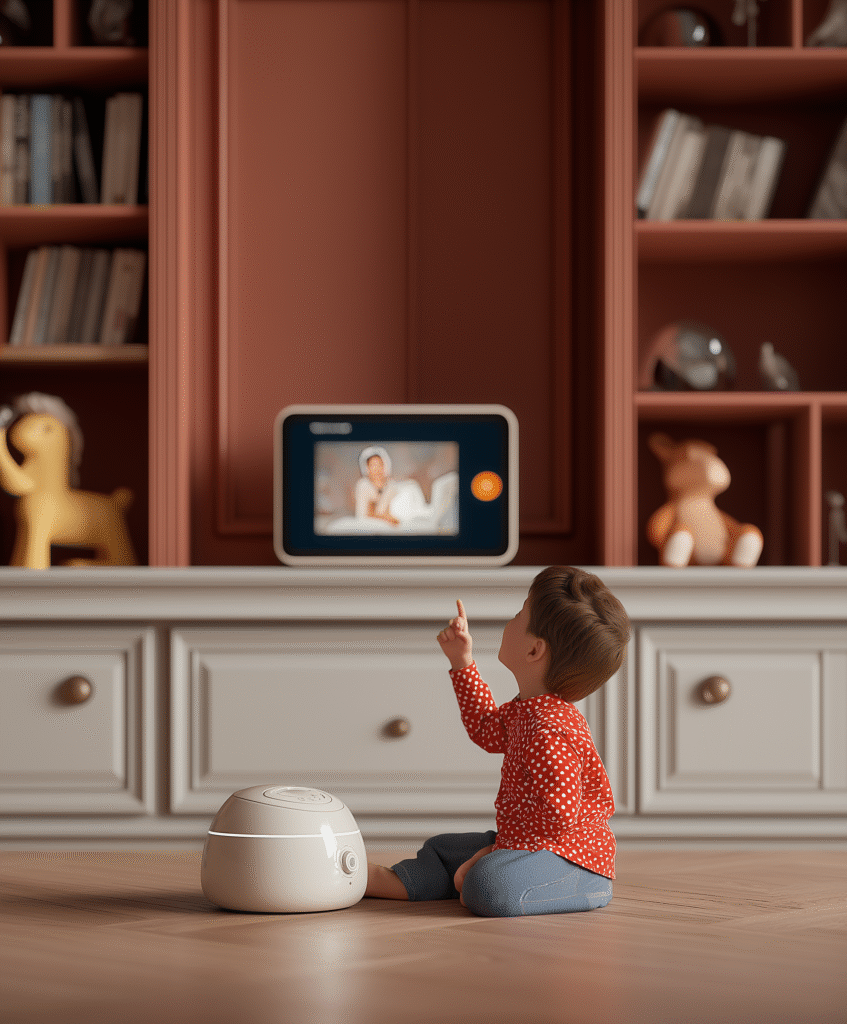
👦 Your child asks, “Why is the sky blue?”
Ask Google and show a short educational animation or National Geographic-style video.
😴 Tired after work?
“Hey Google, play relaxing sounds” — and enjoy forest ambiance, ocean waves, or white noise.
📦 Waiting for a delivery?
“Hey Google, where’s my package?” — your order status appears instantly on the screen.
This is the kind of device that doesn’t try to replace you — it simply helps you act faster, smarter, and with less stress.
🏠 Smart Home Control Center
With Nest Hub, you can:
Control lights, outlets, locks, thermostats, and security cameras,
View live feeds from your Nest Doorbell or home cameras,
Create routines like “Evening Mode” or “I’m Home” to trigger multiple actions at once,
Stream video from YouTube/Netflix or music from Spotify/Apple Music.
It also works as a digital photo frame, displaying your favorite Google Photos albums with smooth transitions.
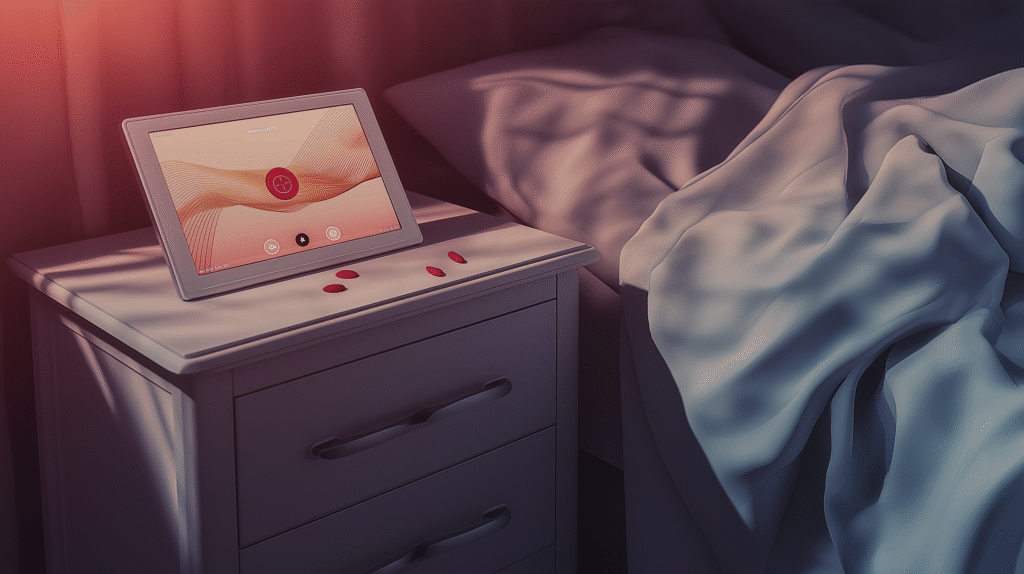
💤 Sleep Tracking — No Wearables Needed
The Sleep Sensing feature can:
Detect breathing, snoring, and movement during sleep,
Provide daily sleep analysis and personalized tips,
Automatically trigger “wind-down mode” with dimmed screen and ambient sounds.
💡 Pro tip: It even knows when you’ve fallen asleep and can turn off the lights or music for you.
🔐 Privacy Isn’t Optional — It’s Built-In
Google designed Nest Hub with privacy in mind:
No built-in camera — so there’s no risk of unexpected monitoring,
Physical microphone switch — allows you to fully mute voice detection,
All voice activity can be reviewed or deleted through the Google Home app,
Ambient EQ adjusts screen brightness to match room lighting, ensuring it’s never intrusive.
🛡️ Privacy Mode & Guest Mode
If you don’t want Nest Hub to listen or show personal info at certain times:
Enable “Do Not Disturb” mode — it won’t show alerts or light up at night,
Sleep Sensing only shares data with your account if you explicitly allow it,
You can restrict control over certain devices (like cameras or content filters).
💡 Pro tip: Say “Hey Google, turn on Guest Mode” — and your personal data will be hidden from family members or visitors.
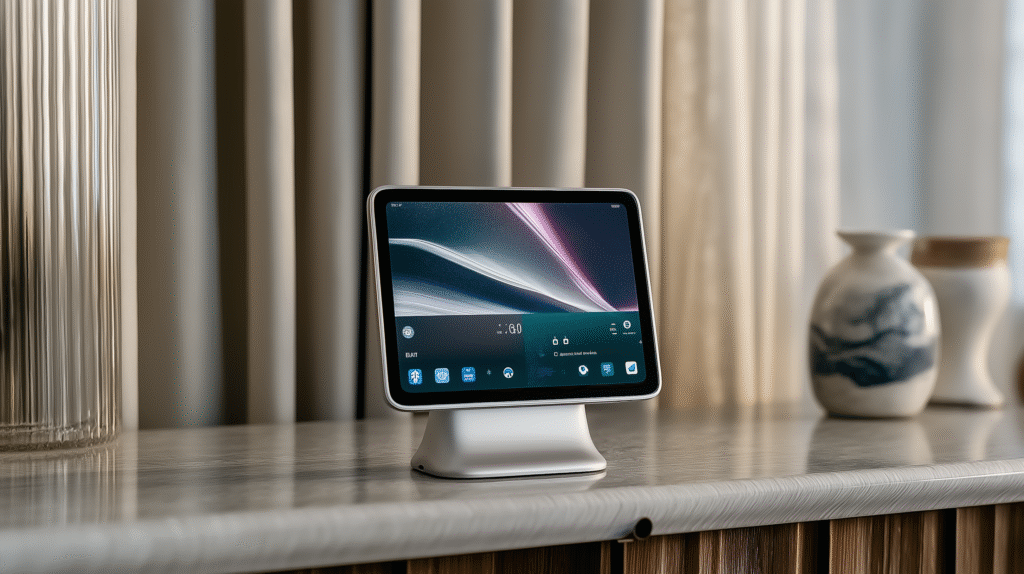
✅ Why Nest Hub (2nd gen) Is More Than Just a Gadget
It’s not just a device — it’s:
your assistant when you’re busy,
a control hub for your entire smart home,
a sleep coach that doesn’t require wearables,
a guide in everyday situations,
a companion for your kids and guests.
🔗 Where to Buy
Want a home that’s truly “smart” — not just full of gadgets?
Start with Nest Hub — the assistant that listens, shows, but doesn’t spy.
Subscribe to the site, view more posts in the Smart Home section, and don’t forget to leave your feedback — your opinion is important to us!
 Ukrainian
  English