
In 2025, an AI startup is the new crypto. Every other project promises a “revolution,” “smart solutions,” or at least “a new level of productivity.” But how much of it actually works? We decided to find out.
We tested dozens of the loudest AI startups — the ones going viral on Twitter, featured in TechCrunch, and flaunted on TikTok. And here’s the honest truth: some are genuinely impressive. Others? Just a shiny wrapper covered in phrases like “AI-powered synergy for creators.”
What you’ll find in this review:
Straightforward examples: We didn’t test theories — we tackled real tasks: writing a post, dubbing a video, brainstorming project ideas.
Wow or nah ratings: What actually made life easier, and what just wasted time.
Feedback without the fluff: If the product’s half-baked — we’ll say it. If it’s genius — you’ll hear that too.
In the spotlight:
HeyGen — avatar creation and video dubbing. Is this really the future of video production?
Tome.app — “AI storytelling” for presentations. Beautiful, but is there substance?
Runway ML — videos that look like Apple ads. But how steep is the learning curve?
Durable — AI website builder in 30 seconds. Is that even possible?
Moonvalley — AI for finding ideas and scripts. Can it actually replace a creator?
Plus:
Where these tools really save time — and where they just pretend to.
Are there real free alternatives that deliver?
And finally — the verdict: is the hype… worth the hype?
.
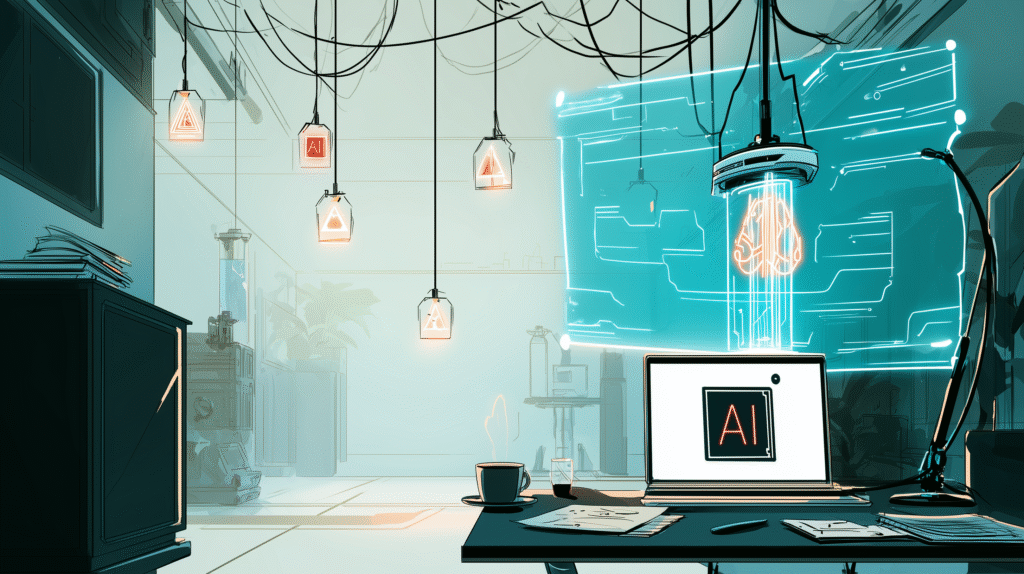
🎭 HeyGen — Avatars That Speak for You
An AI that takes your camera, mic, and stage fright — and throws them off the set.
Imagine being able to create a video without filming. No makeup, no lighting, not even your own voice. You just type the script — and boom. A digital character appears, speaking, moving, delivering your message with emotion… and actually looking presentable. That’s HeyGen.
🤔 Як це працює?
Choose an avatar — realistic, cartoonish, or business-style.
Enter or paste your text.
Pick the language, voice, emotion — and hit “Generate.”
In about a minute, you get a fully-formed video, ready to embed anywhere.
And no, it’s not Deepfake. It’s next-gen AI video production.
🎯 What actually impressed us:
Lip sync is better than some Hollywood dubs.
Wide range of languages and accents — from Ukrainian to Japanese, with emotional modulation.
Business-ready templates — for promos, training, presentations, all pre-formatted for use.
😬 But it’s not flawless:
Free version is limited (watermarks, video count, basic avatars).
Sometimes the avatar “glitches” — especially with long texts or poorly formatted input.
The voice, while realistic, occasionally sounds too perfect — like a narrator from a techno-utopia.
🧪 We tested HeyGen for:
Product reviews — quick and clean.
Instagram Reels — the avatar spoke for us.
Landing pages — people watched instead of reading.
🤖 Наш висновок:
🔥 Worth the hype if you need to produce video content regularly — no studio, actor, or 30 takes required.
🙃 Overhyped if you expect “a real person on screen.” It’s a tool — not a replacement for genuine emotion.
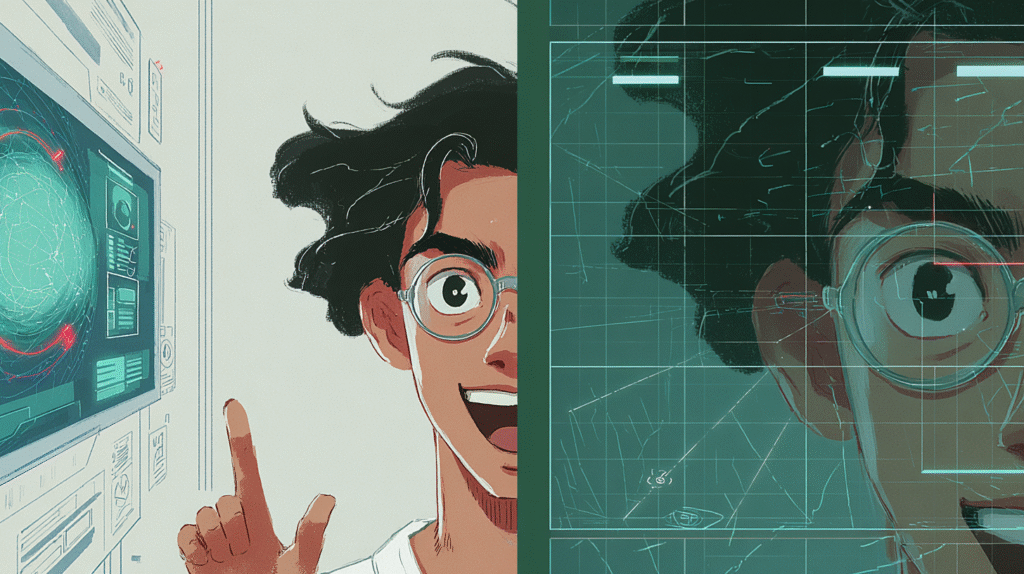
📖 Tome.app — “AI Storytelling” for Presentations
Beautiful, slick, but… do we really need it?
Tome.app promises a revolution in how we build presentations. No more dragging slides around in PowerPoint, scrambling for images on Google, or throwing in last-minute headlines. Now you just type a topic, and Tome does the rest.
But… is this really the thing we were missing?
✨ What can it do?
Generates a full presentation in 30 seconds — complete with text, images, and even animations.
Offers clean, visually pleasing design — almost like Apple Keynote.
Adds interactivity — the presentation feels more like a microsite or a modern landing page.
Sounds magical. But it’s magic that’s more about form than substance.
🧠 What’s actually useful:
Perfect for quickly pitching an idea when you need a rough draft now.
Great for visualizing content — especially if you’re not a designer but still want to look polished.
Pulls in images, memes, even videos — and drops them in where they fit. Often surprisingly well.
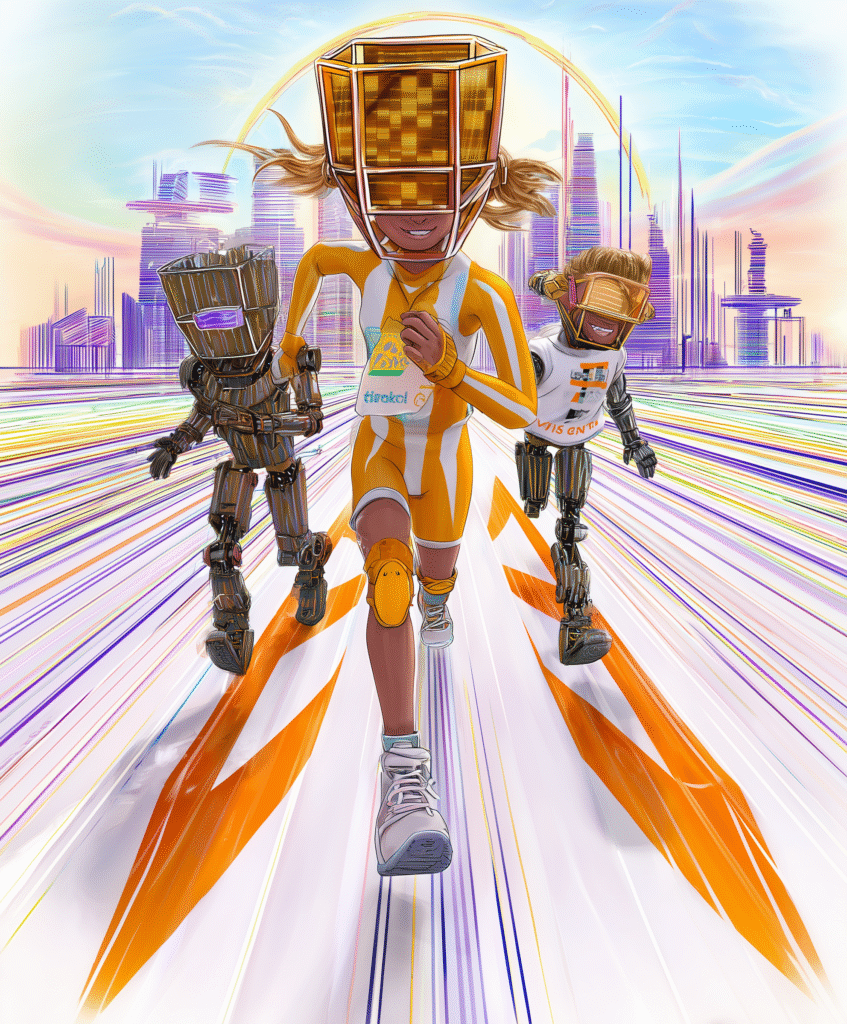
⚠️ But here’s the catch:
The content can be shallow — looks amazing, but often lacks real depth.
Not all topics work well. Try “SaaS B2B Financial Forecast” and get… poetry.
Free plan limitations — on slide count, export options, and even design choices.
🔍 We tested Tome.app for:
A startup pitch deck — looked like a million bucks.
Client presentation — fast, but we had to rework the structure.
Educational content — stylish slides, but the material needed manual polishing.
📌 Наш висновок:
🔥 Fantastic if you’re a visual thinker or marketer — Tome truly saves time and delivers eye candy.
🙃 You can skip it if your presentations rely more on data, logic, and structure than on looks.
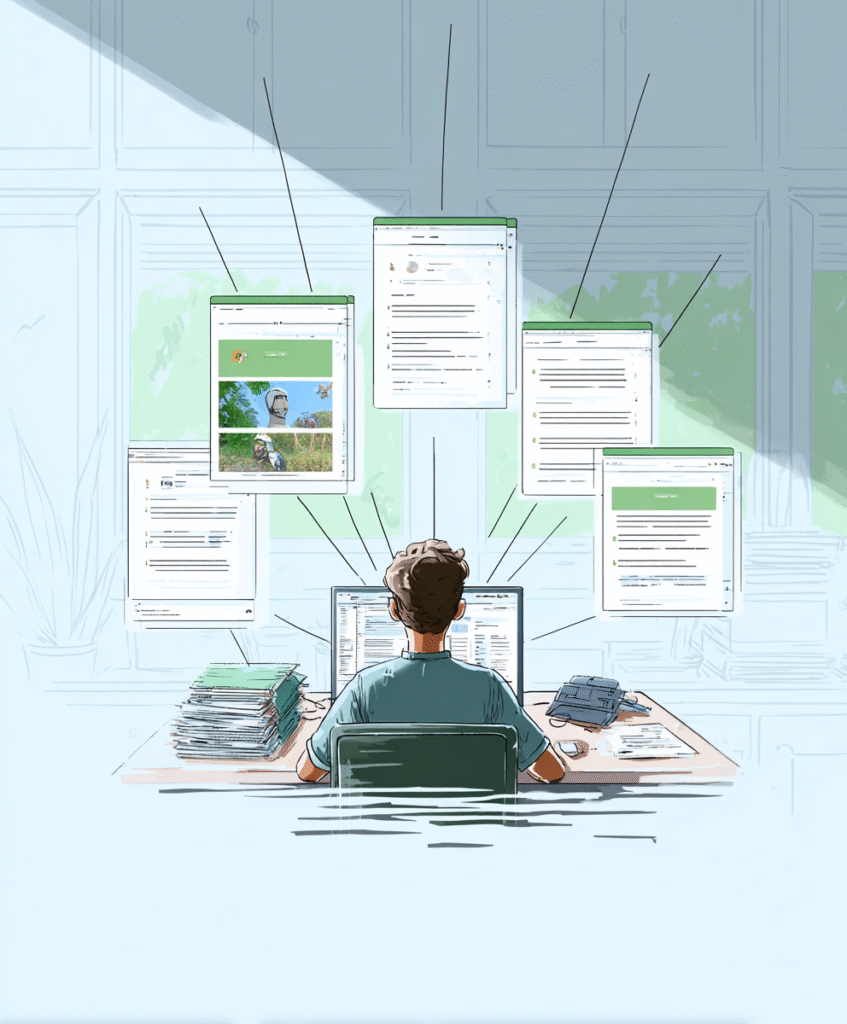
🎬 Runway ML — Video That Looks Like an Apple Ad
But how long will it take to actually learn it?
They say: “Now anyone can create a video that looks like a Hollywood trailer.” And if any tool makes that sound believable, it’s Runway.
Background replacement? Check. Face generation, ‘80s film style filters, video upscaling, animation — all in your browser. Just upload a clip, and the magic begins.
But here’s the real question: how much time does that magic actually take?
💡 What can Runway do?
AI video-to-video transformations — you upload regular footage and get back something stylized, cinematic, or totally surreal.
Green screen without a green screen — just erase the background with one click.
Text-to-video — still in beta, but you can type something like “a dog flying through clouds in Pixar style” and get a mini-animation.
🌟 What’s amazing:
It genuinely looks expensive. The colors, motion, and vibe feel like a pro studio worked on it.
No need to master After Effects or spend hours keyframing masks.
Runs right in your browser — even on a low-spec computer.
🤔 But here’s the catch:
It takes learning. The UI isn’t always intuitive, and some features have dozens of parameters — it’s easy to get lost.
Render time — sometimes it takes longer than manual editing.
AI isn’t perfect. Faces can get surreal, especially with tricky lighting or shaky footage.
🧪 We tested it for:
Social media — perfect. A 10-second clip looks like a million bucks.
Client work — cautiously useful. You’ll need to double-check and polish the output.
Creative experiments — absolutely worth it. You type, you tweak, you dream — and Runway brings it to life.
📌 Bottom line:
Yes, Runway is the future of video production.
But it’s a future where you still need to put in some work.
Not just “press button, get magic,” but more like “make a few versions, pick the best, fine-tune it — and then… WOW.”

💻 Durable — The AI Website Generator in 30 Seconds
They promise a website in half a minute. Is this a joke — or the future of web design?
“Your online presence is ready!” — says Durable after you simply type what you do.
No templates. No code. No Figma, Canva, or freelancers from Upwork. Just you, artificial intelligence — and 30 seconds of your time.
Sounds like magic. But what’s the reality?..
🛠 Як це працює?
You enter your niche (for example, “tile contractor in Toronto”).
Durable generates a homepage, services, images, headlines, CTA buttons — all pre-filled.
You can add sections, tweak styles, edit text — or just hit “publish.”
💡 What’s actually impressive:
Speed. You’ll have a live site before your coffee goes cold.
Simplicity. The interface feels like a toy for grown-ups.
Built-in AI tools: text generation, SEO tips, CRM, even ad copy suggestions.
🤔 What’s not perfect:
The site looks… templated. If you need something unique or branded, you’ll have to dig in.
The copywriting? Sometimes it feels like a textbook: “We provide quality services at affordable prices.” Yeah… we can do better.
30 seconds is just the start. To make it stand out, you’ll still need time and care.
🧪 Who it’s great for:
🟢 Freelancers, handymen, coaches — when you needed a site yesterday.
🟡 Small businesses — great for MVPs or niche testing.
🔴 Designers and marketers — might raise an eyebrow and say “nah.”
📌 The takeaway:
Durable isn’t a replacement for a real web designer.
But it’s a fantastic launchpad if you’ve got an idea but lack time, budget, or tech skills.
A website in 30 seconds? Totally real.
Just don’t forget: a truly good site still needs a little extra — taste, experience, and… time.
🌕 Moonvalley — AI for Ideas and Scripts
“You’ll never get stuck on the first sentence again,” promises the website. But how does that hold up?
Writer’s block — we’ve all been there. Whether you’re scripting a video or crafting a post, the blinking cursor and blank mind can feel brutal. The deadline was yesterday, and the words still won’t come. Enter Moonvalley — a tool that says: “Relax, I’ll write it for you.”
Sounds dreamy. But does it actually say what you meant?
🧠 What Moonvalley can do:
Generates video ideas by category: lifestyle, reviews, education, humor.
Produces full, structured scripts — from hook to call-to-action.
Adjusts to format: TikTok, Reels, Shorts — optimized for pace and length.
📺 What it looks like in action:
You type: “I want a video about mistakes in Japan travel” — and get a ready-to-go script:
Hook: “I made these mistakes in Japan — don’t repeat them!”
Body: 1. Wasted money on a JR Pass. 2. Ate sushi at the wrong places.
CTA: “Save this so you don’t forget before your trip!”
Fast. Clear. You can record instantly. Or click again — and get a new version.
🎯 The good stuff:
Perfect jumpstart for when you’re stuck at “what should I make?”
No more blank page — there’s always at least a draft.
Adjustable tone of voice — from professional to playful.
🤨 But let’s be honest:
It won’t replace you. It’s more a creative kickstarter than a full-on ghostwriter.
If you want depth or originality — you’ll need to refine it yourself.
Sometimes the ideas feel generic or bland. It’s still up to you to filter and sharpen.
📌 Conclusion:
Moonvalley isn’t a “creator killer” — but it’s definitely a day-saver when inspiration is missing.
It’s fast, friendly, and gets the ball rolling.
But if you want content that sticks, you’ll still need to add a piece of yourself.

🕰 Where These Tools Truly Save Time — and Where It’s Just an Illusion
Real time-saving is when you spend 3 minutes in Gamma instead of 3 hours wrestling with a presentation.
But when you spend an hour clicking “generate again,” “make it better,” “can we get fewer emojis?” — just to replace 5 minutes of manual thinking — that’s productivity theater.
⚠️ And remember: just because an interface feels like magic doesn’t mean it’s actually thinking for you.
It just blinks a little nicer.
🆓 Are There Real Free Alternatives?
Yes. And sometimes, they’re even better:
Instead of Durable, the classic Tilda + ChatGPT combo gives you more creative freedom.
Instead of HeyGen, you can try D-ID if you just need a quick speaking avatar.
Instead of Tome, you can make sleek slides in Canva — especially now that it has AI features, too.
🧠 The trick isn’t chasing the newest. It’s finding what actually works for your task.
Not for a Behance case study — but for your actual deadline tomorrow.
🤖 So… Is the Hype Ever Worth It?
Sometimes — yes.
Especially when a tool truly changes your workflow and gives you that wow moment from the first click.
But often, it’s just a new interface wrapped around the same GPT or Stable Diffusion engines, with a different button that says “Subscribe now.”
💬 So instead of saying “Wow, I need to try everything,” ask:
“Does this actually solve my problem?”
“Or is this just another way to procrastinate until the deadline hits?”
🔔 More tool reviews, behind-the-scenes tests, and (sorry) occasional disappointments are on the way.
Because that’s the reality of the AI startup world: 20% magic, 80% FOMO.
📎 And if there’s a tool you want us to cover — just check back on the site.
We’re still testing, still being honest, and still laughing with you along the way.

 Ukrainian
  English